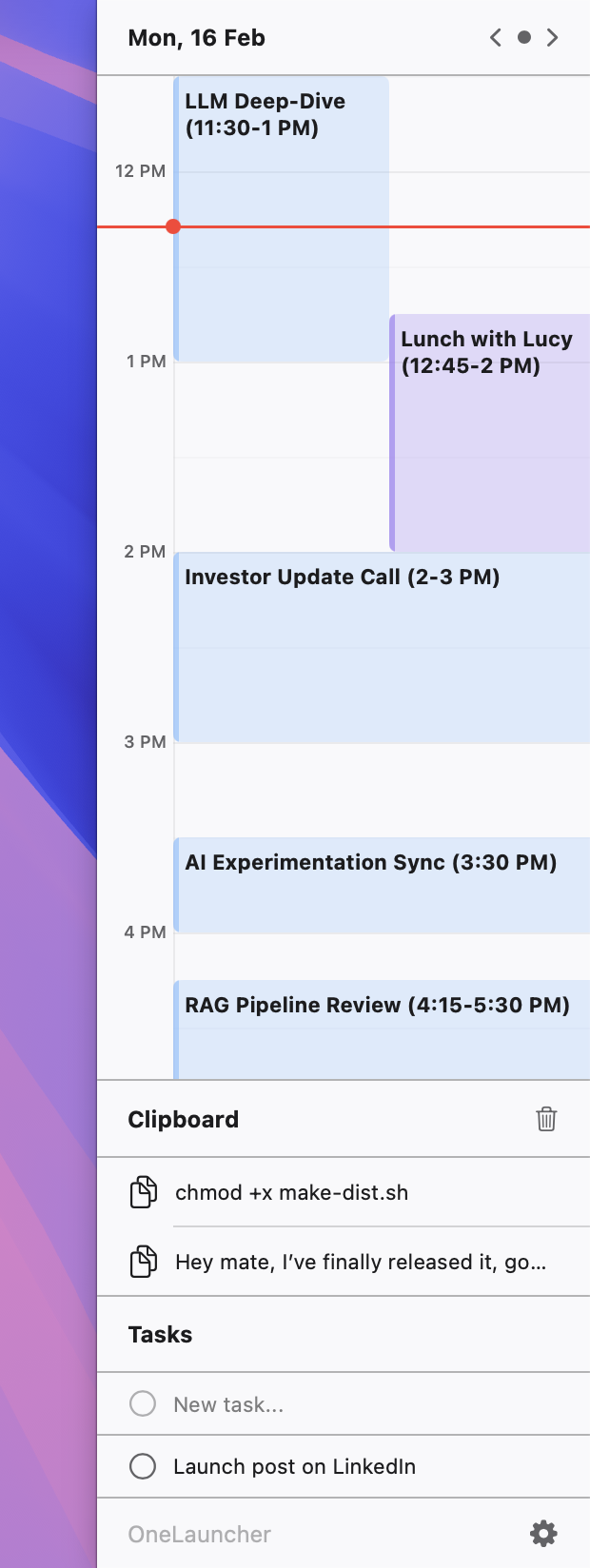
OneLauncher attaches a smart, dockable panel to your monitor edge. Handle meetings, tasks, and clipboard history without breaking your flow.
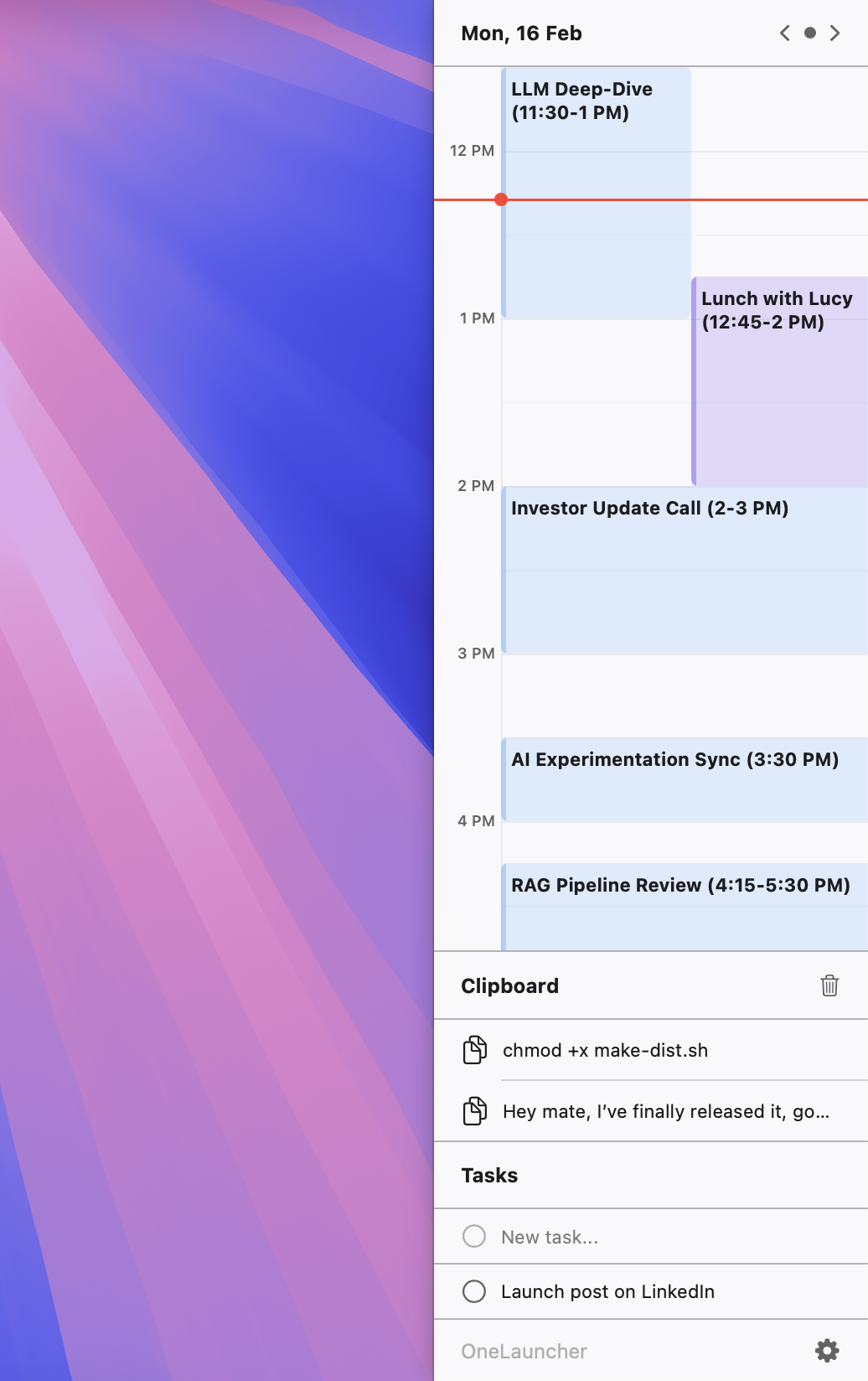
Everything you need to stay organized, attached right to your screen's edge.
Always-visible agenda that syncs with your Calendar. Cards flash gently to remind you when meetings start or end.
Jot down to-dos instantly. Keep your priorities straight without context switching or opening heavy apps.
Never lose a copied link or snippet again. Access your recent clipboard history with a single click.
Built for people who value their time and want to stay in control.
Your schedule is always visible at the edge of your screen. Flashing cards alert you when it's time to join—no more scrambling or being late.
Adjust colors, position, behavior, and more. OneLauncher adapts to your workflow, not the other way around.
New modules are coming! Enable only what you need for an uncluttered, focused experience. Your panel, your rules.
Minimal footprint, instant launch. OneLauncher stays out of your way until you need it.
Get up and running in under a minute.
Double-click OneLauncher.zip
→ OneLauncher.app
appears.
Drag OneLauncher.app
to the Applications folder.
Right-click (or Control-click) the app → select Open.
Just double-click the app normally. You're all set!
Don't have the app yet?
Download OneLauncherWhat's new and improved in OneLauncher.
Join thousands of users who have mastered their daily schedule.
Free forever. No account required.
Join our Telegram community for support, feature requests, and to connect with other OneLauncher users.
Join Telegram Support